Quotes and approvals
The customer's yes, without the chasing.
Send the quote as one link, no account needed. Dwell reminds the customer on weekdays, pauses when they ask a question, and shows whose move it is for every unit in the shop.
For EASA Part-145 component repair shops
Dwell keeps a component shop's paperwork in one place: quotes and the customer's approval, your capability list, the manuals you work to and the tools you calibrate. Every step lands on a record that can only be added to.
Dwell is made by Datawings in Turku, Finland, for repair shops that run on spreadsheets, inboxes and memory, and want one calm place for all of it.
In Dwell today
Quotes and approvals
Send the quote as one link, no account needed. Dwell reminds the customer on weekdays, pauses when they ask a question, and shows whose move it is for every unit in the shop.

Capability list
Keep it in Dwell, issue numbered revisions with who issued them and when, and share any issue as a PDF. A quote for a part that isn't on the list says so.

Manuals
Every manual with its current revision, where it's kept, and when someone last checked it's still current. Dwell flags the checks that are due.

Tools
Every tool you control, with its calibration records and certificates. Tools due soon turn amber, overdue ones red with “do not use”, and owners get a weekday email when something falls due.
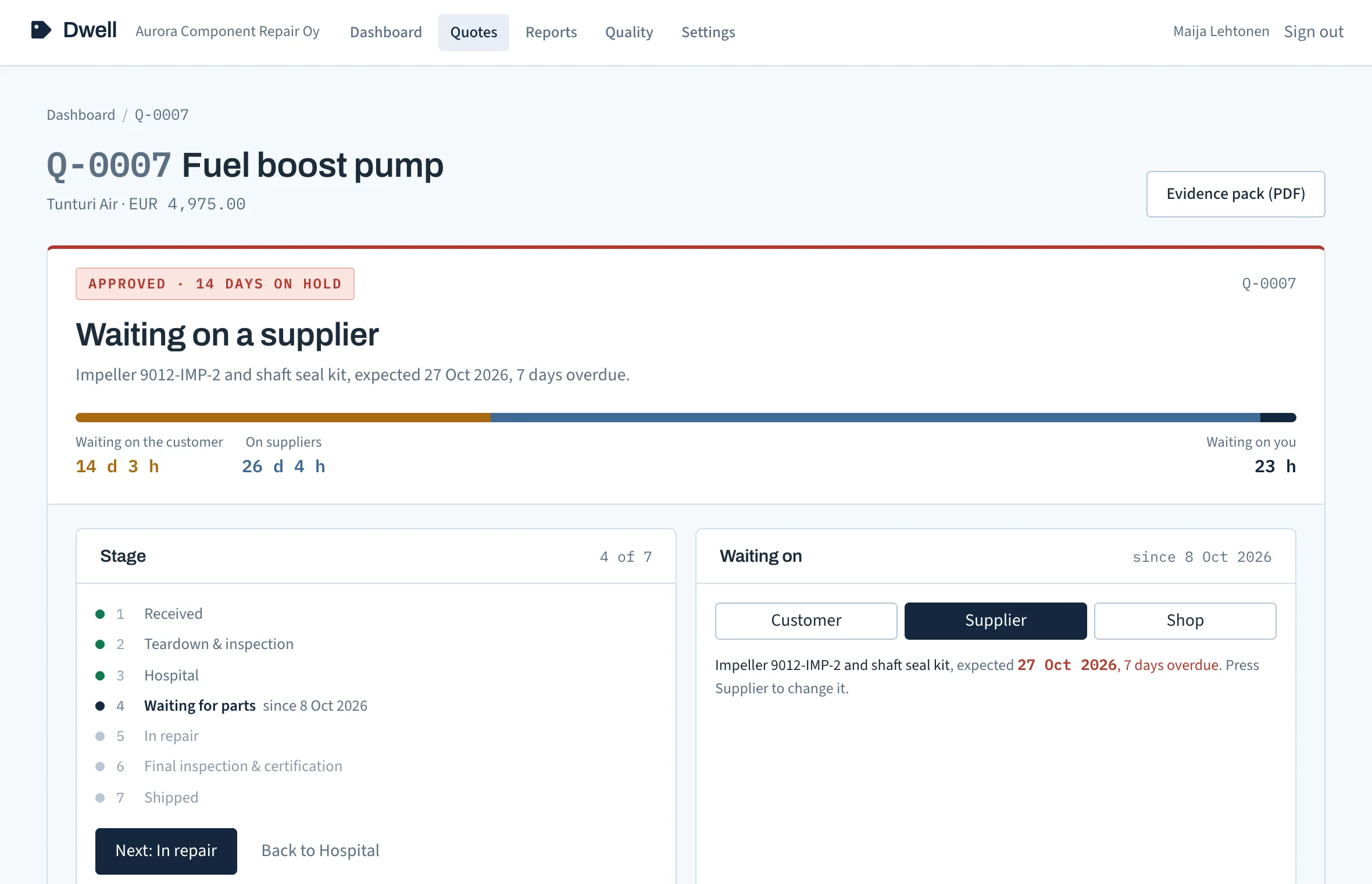
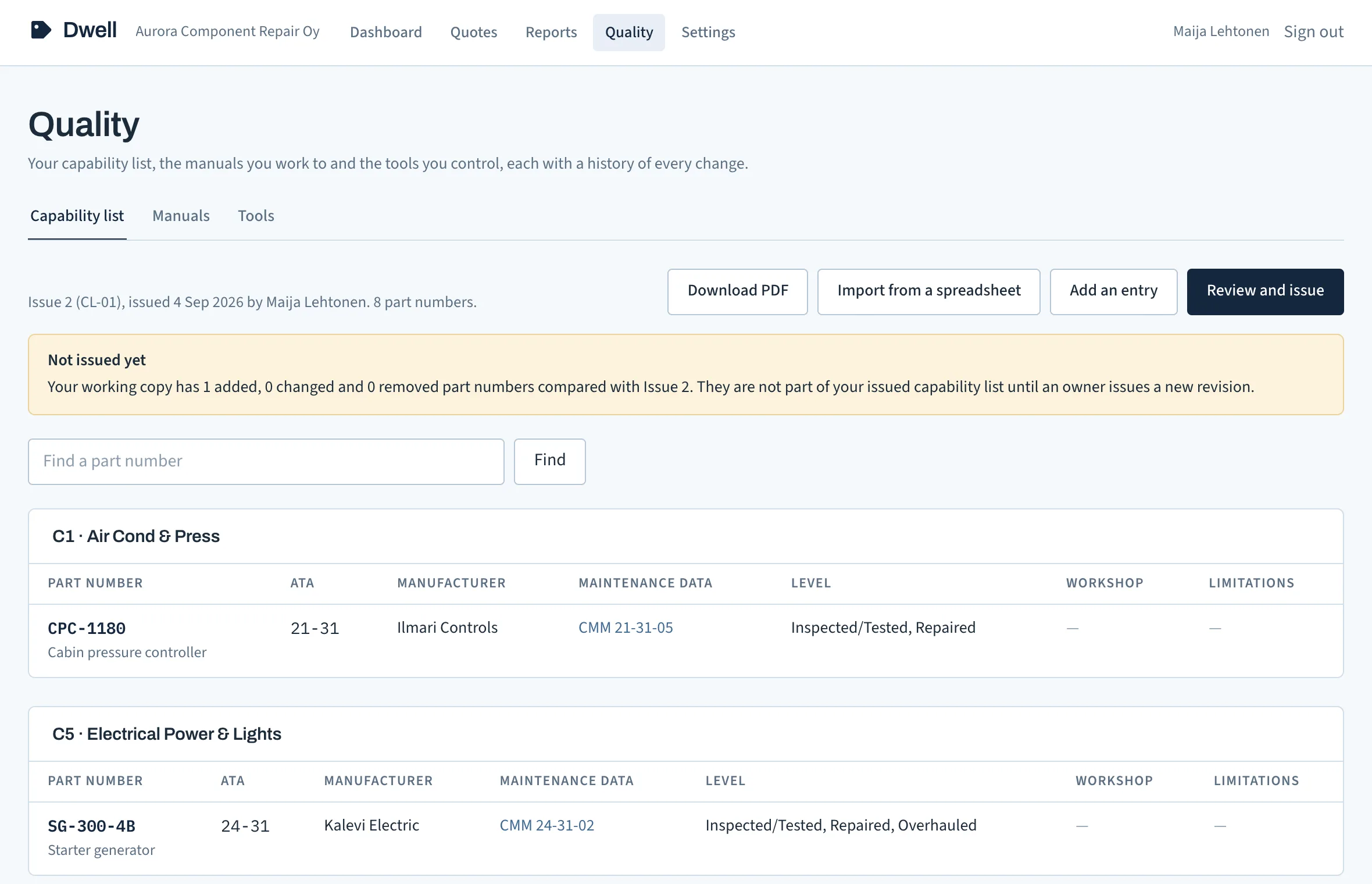
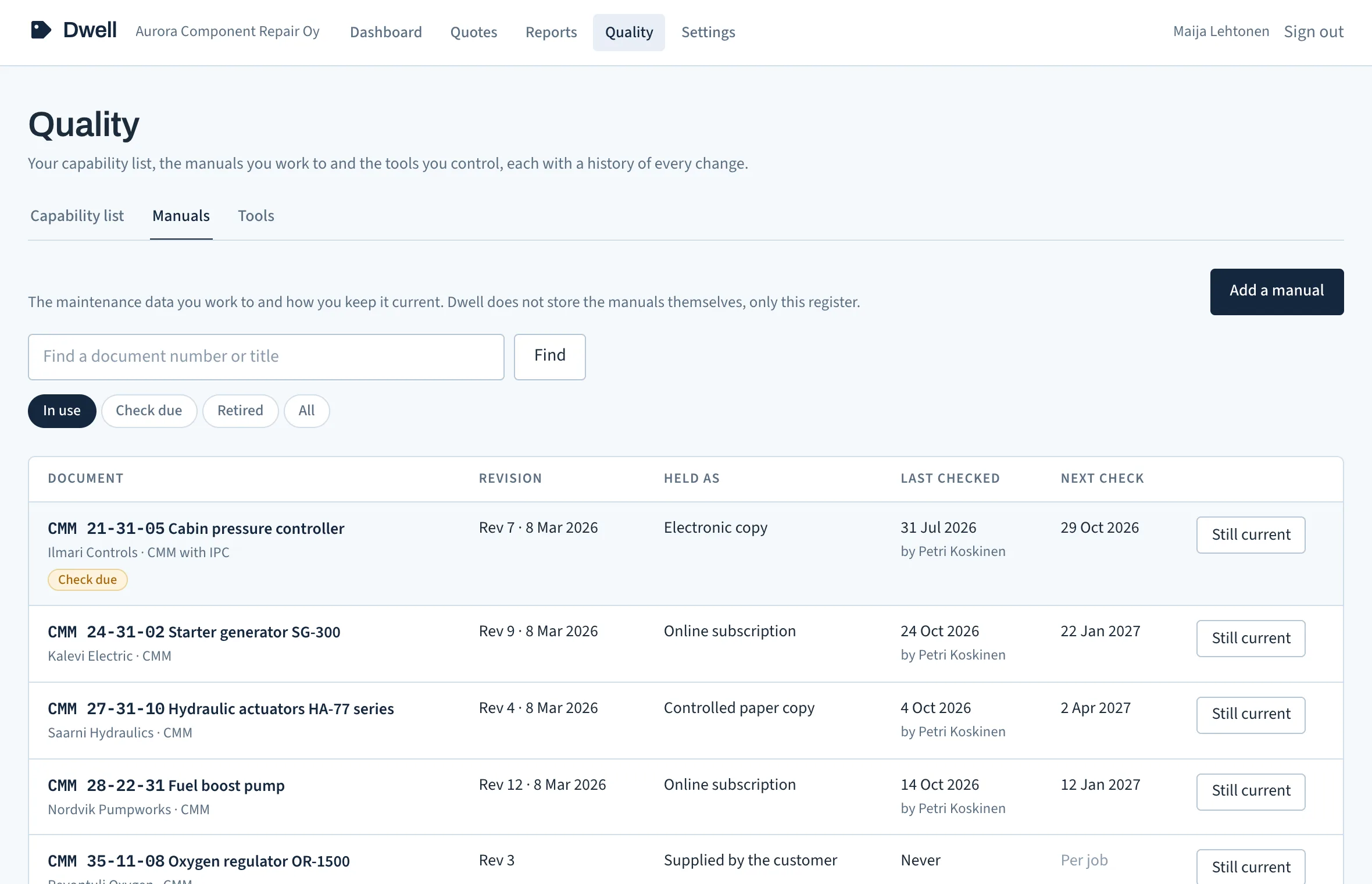
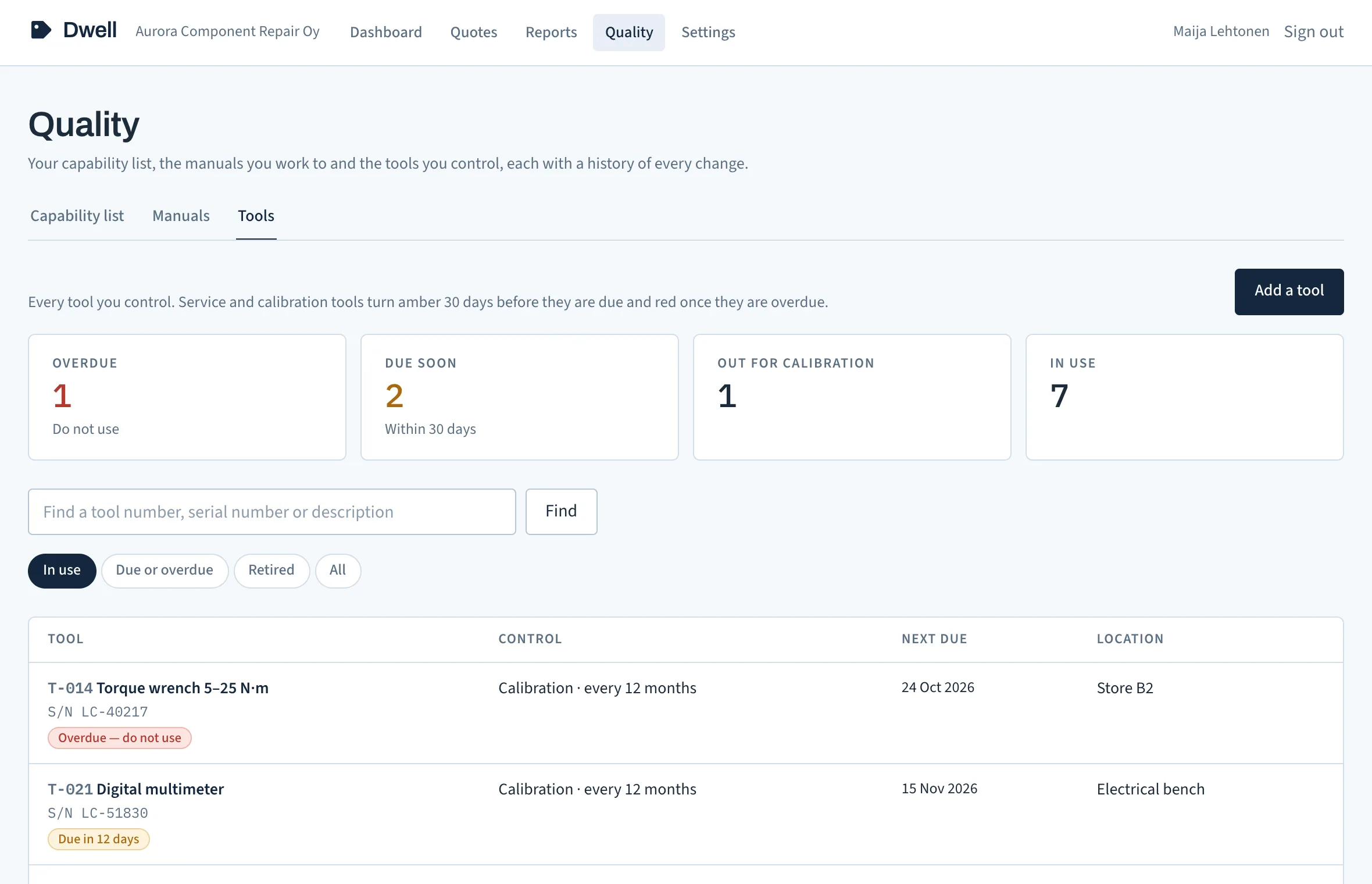
Screens from Dwell, showing an example shop with made-up names.

What Dwell fixes
App and data in the EU, in Amsterdam; our email provider keeps delivery logs, including message content, in the US. Privacy and data
Pricing
€490per site, per month, plus VAT where it applies
A site is one workshop address. A group running three workshops pays for three.
Not built yet: multi-site rollup, ERP export, SLA reporting. Listed so the price list is complete.
No. They get an email from your shop with a link. It opens the quote, findings and photos, and offers two actions: approve or query. Approval captures their name, email and the time.
Not yet. Today Dwell holds your quotes and approvals, capability list, manuals and calibrated tools, and runs beside the system you have. Quotes carry your work order reference so the two line up.
Everyone, with no limit on users. Owners manage the shop's settings, its users, spreadsheet imports and the capability list; everyone does the daily work, from quotes to manual checks and tool calibrations.
Yes. Import the units in your shop from an Excel or CSV sheet, and your capability list the same way or from our template. You check an import before it goes in, and nothing joins your issued capability list until an owner issues a new revision.
You still get the reminders and the trail. Dwell reminds the contact on your schedule, moves on to a second contact if you add one, and records every send and delivery confirmation. The record shows what was sent, to whom, when, and that it went unanswered.
Yes. By default on day 2 and day 5, then on day 10 to a second contact (or the first one again, if there is no second), on weekdays at 09:00 your time. You choose the days and the second contact.
In the EU: the app and its database run in Amsterdam. Our email provider keeps delivery logs, including recipient addresses and message content, in the US. Quotes, with their photos, messages and log, are deleted three years after a job closes by default, and an owner can set anything from one to ten years. Your capability list, manuals and tools registers are not part of that deletion.
Request access
Sign-up is by invitation. Leave your details, Oliver sets up your shop by hand and sends you a sign-in link. Your fourteen days start that day.